
💧 How to Create a Raydium Liquidity Pool on Solana
Kick-start your token's trading journey by creating a Raydium Liquidity Pool.
Think of a liquidity pool as a digital store: you stock the shelves with your token and some SOL so people can start buying and selling immediately.
With MintKiln, it takes just one click and the liquidity tokens go directly to your wallet.
Launch link: Open Create Liquidity →
How to create a pool
Click Connect Wallet in the top right corner and choose Phantom or Solflare.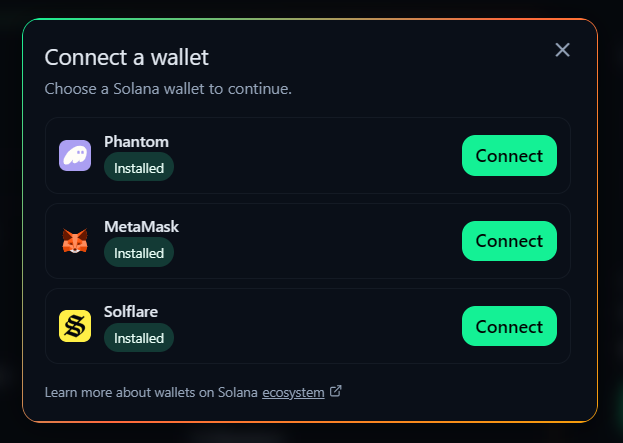
Select your Base token (this is usually the meme coin you just created) and a Quote token (usually SOL).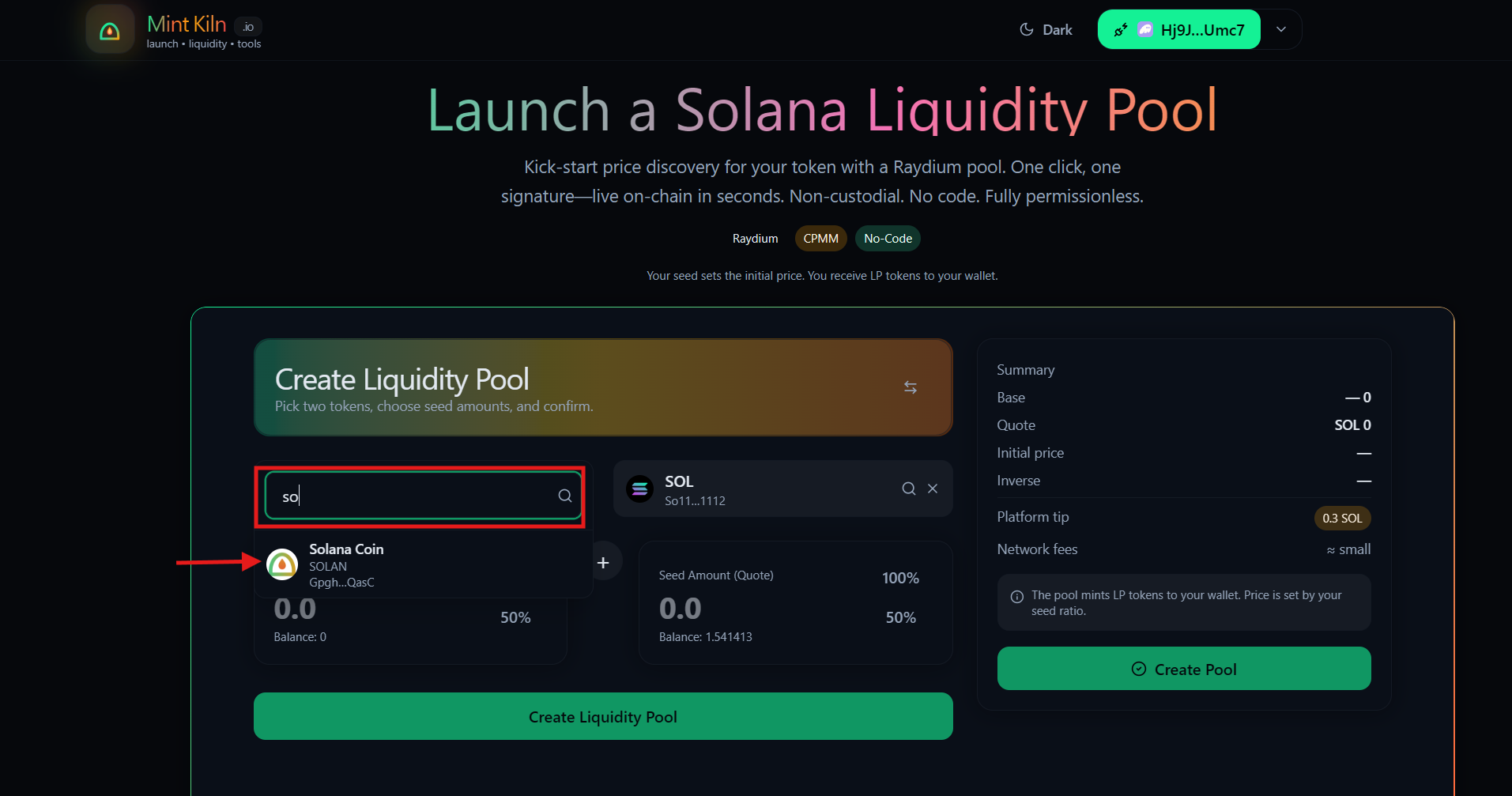
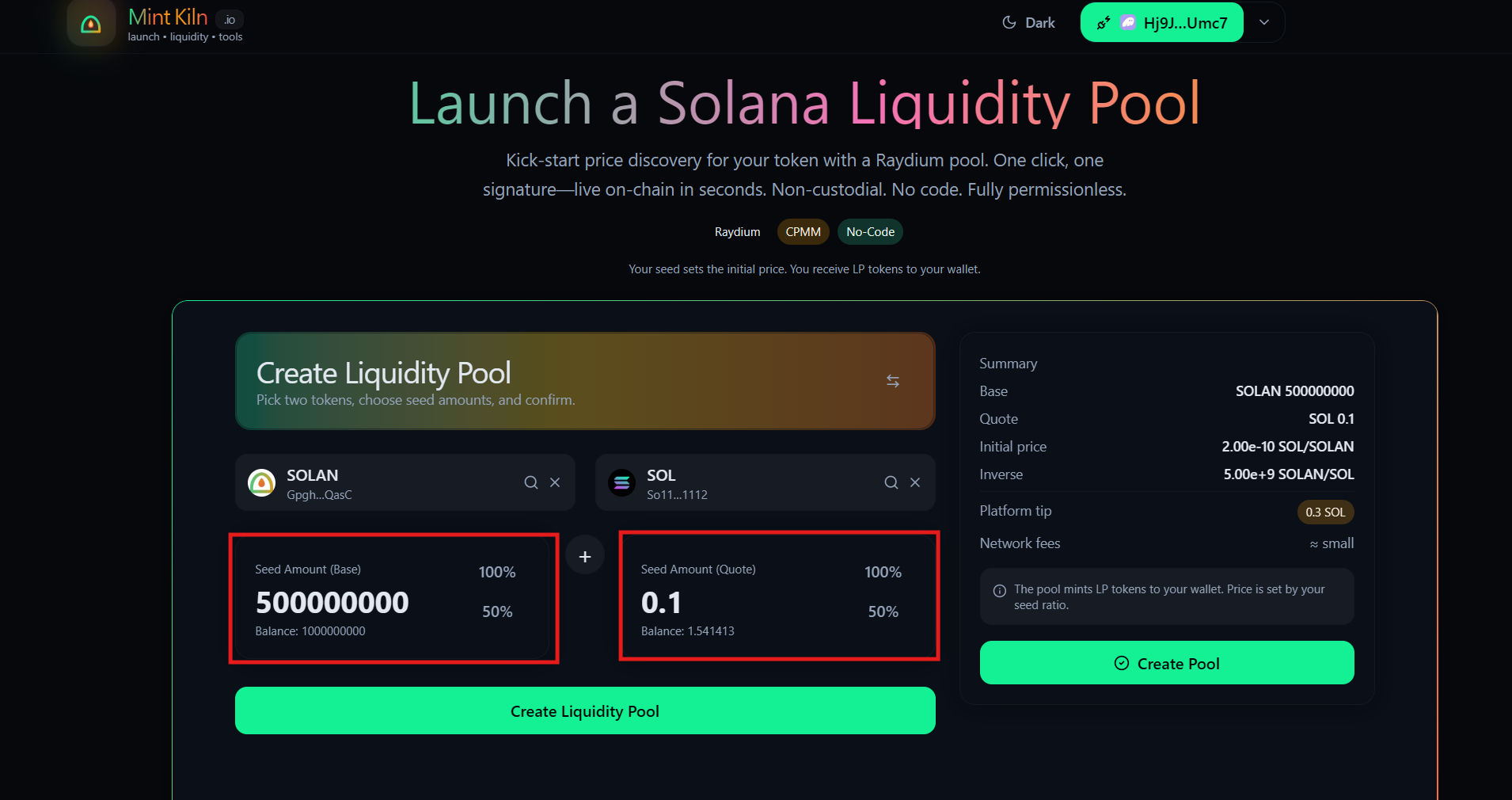
Type in how many tokens and how much SOL you want to put into the pool. The ratio of these two numbers determines your token's starting price!
Example: If you put in 1,000,000 of your tokens and 10 SOL, the starting price of your token is calculated based on that exact ratio.
Click Create Pool and approve the transaction in your wallet. That's it!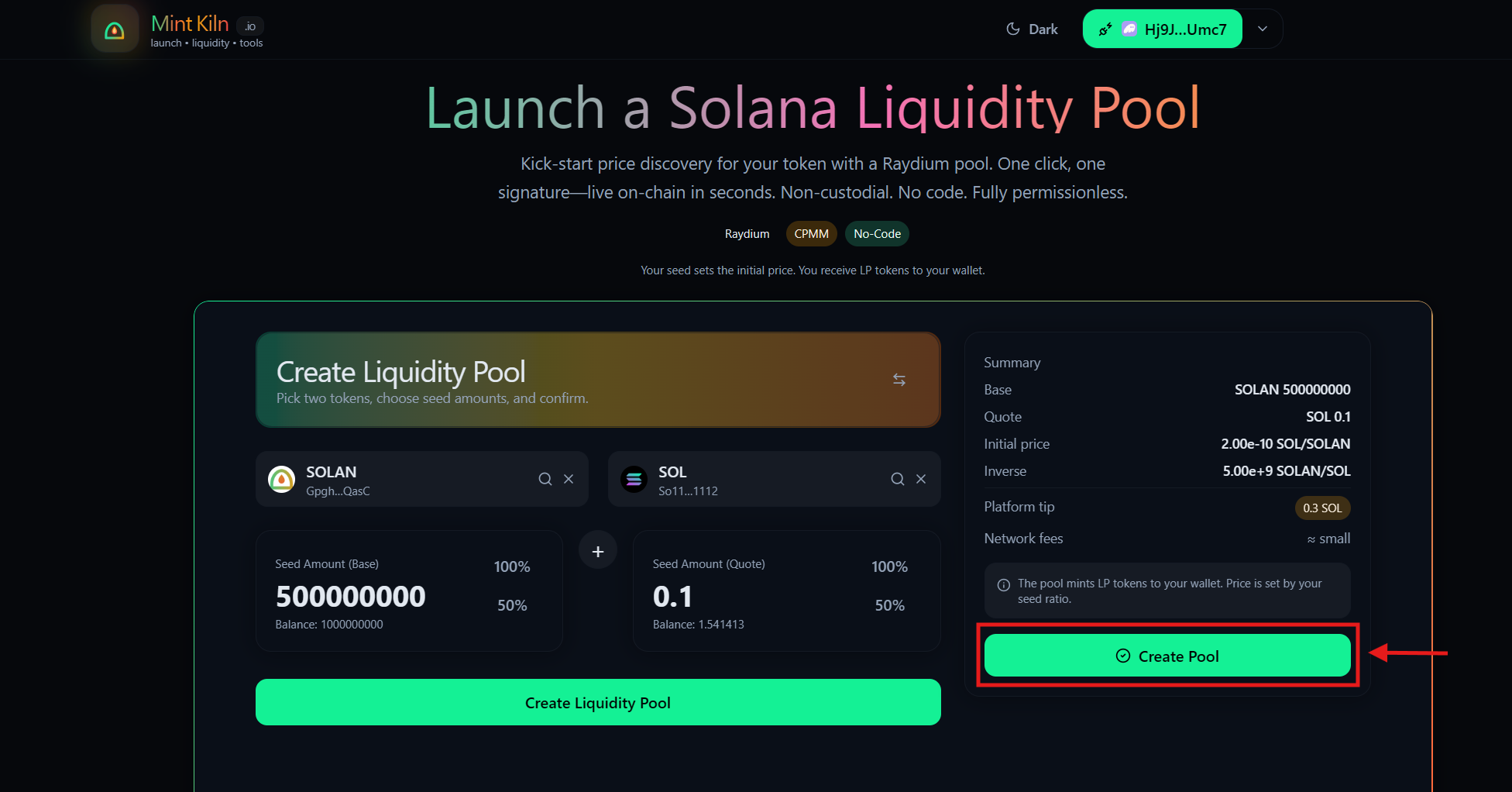
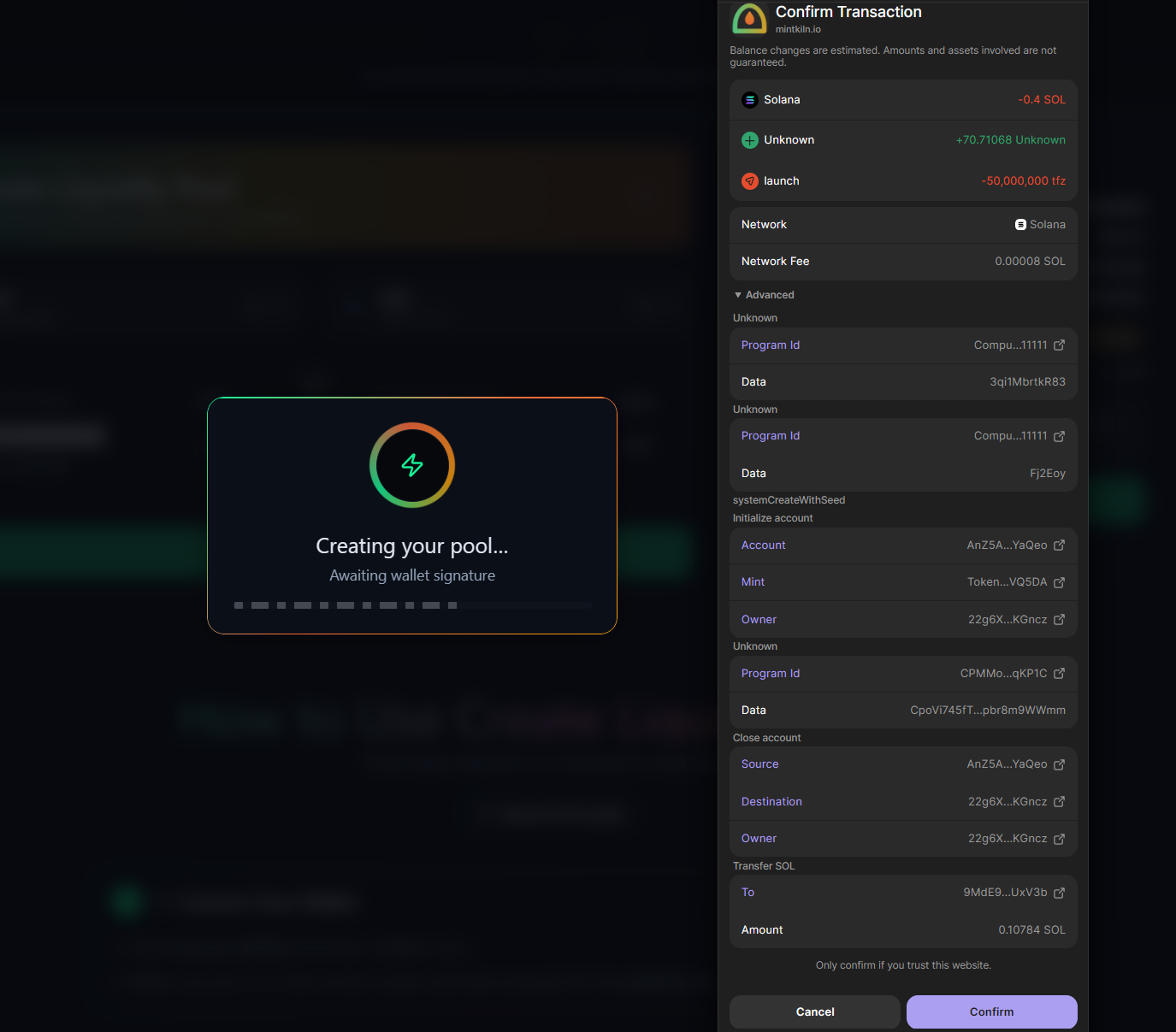
You will see a success screen with your Pool ID and a link to verify the transaction on Solscan.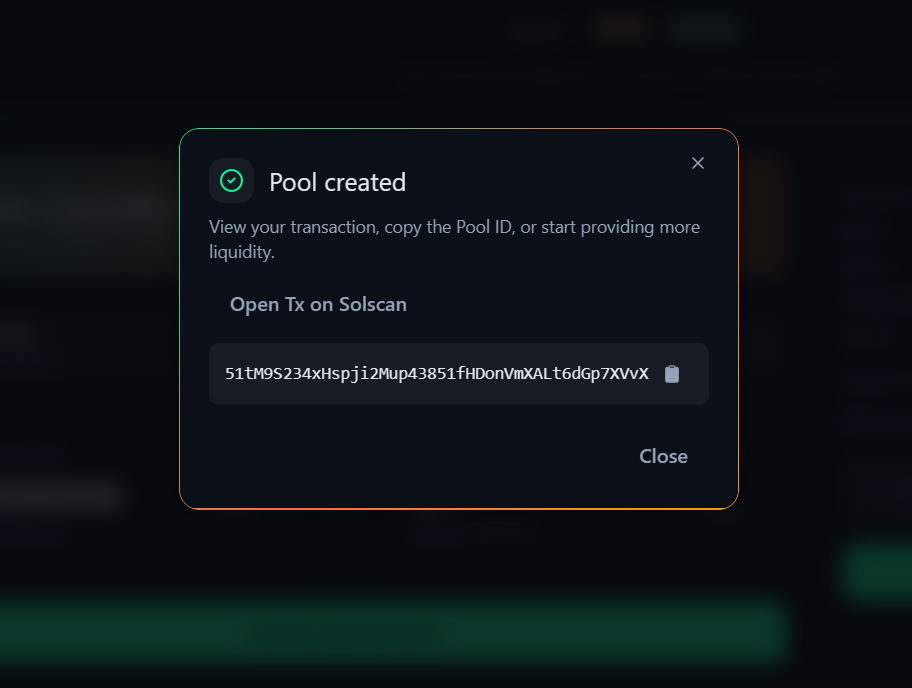
📈 Helpful Tips for Beginners
- Your starting ratio is permanent: Make sure you are happy with the amount of SOL and Tokens you are depositing, because this sets the very first price everyone else will see.
- You are in full control: The "LP Tokens" (receipts for your liquidity) are minted directly to your personal wallet.
- Build Trust: To prove to your community that your token is safe from rug-pulls, consider using our Lock Liquidity tool right after creating your pool!
🛟 Troubleshooting
- "Transaction Failed" → Make sure you have enough extra SOL in your wallet to cover the Solana network fees.
- "Pool not visible yet" → Solana explorers can sometimes lag by a few seconds. Wait a minute and refresh the page!